
Capture anything. Annotate everything.
Screenshot full pages, regions, or freeform shapes. Annotate with arrows, text, blur, and more. One click to copy or download. No account. No login.
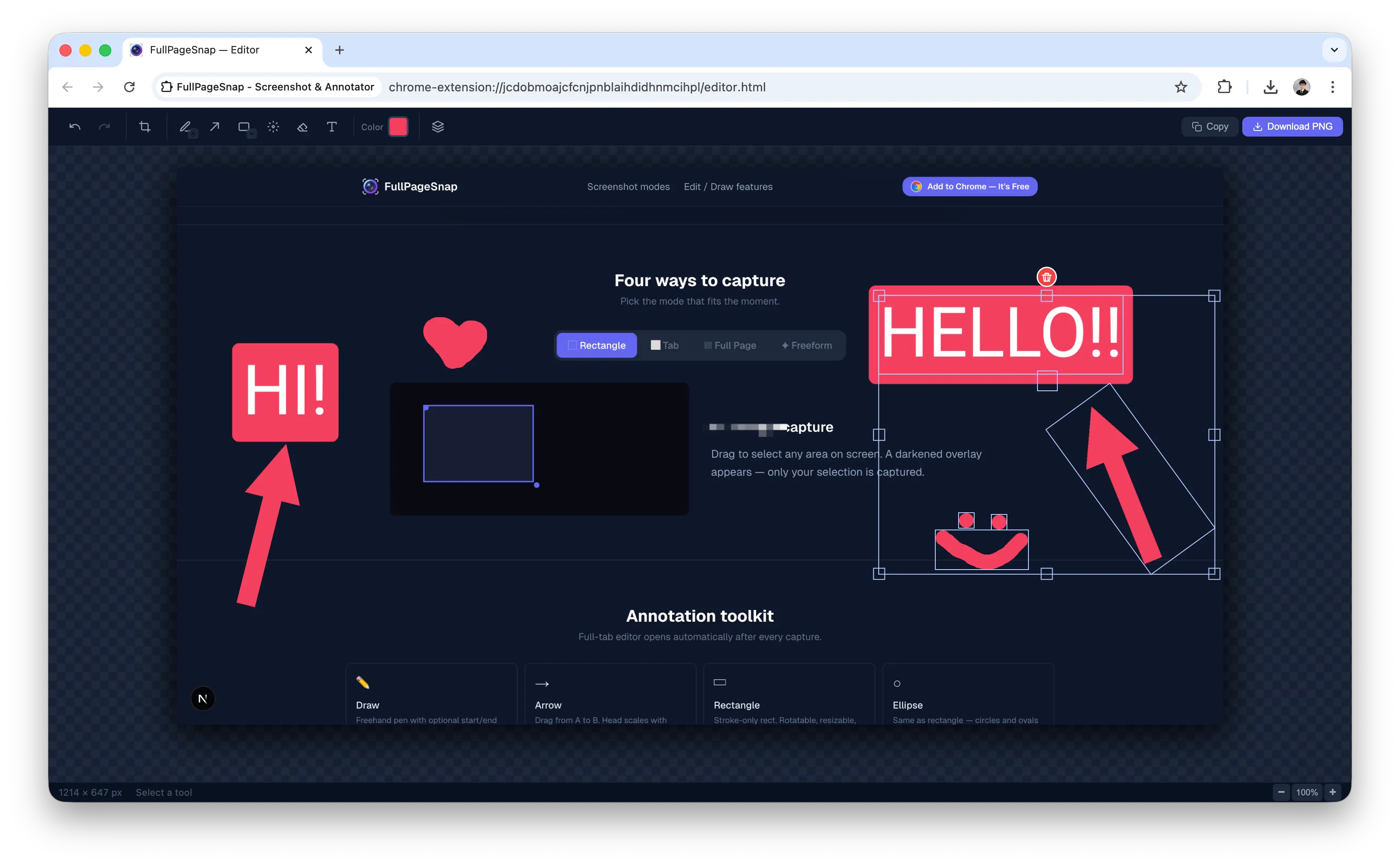
Four ways to capture
Pick the mode that fits the moment.
Rectangle capture
Drag to select any area on screen. A darkened overlay appears. Only your selection is captured.
Annotation toolkit
Full-tab editor opens automatically after every capture.
Draw
Freehand pen with optional start/end arrowheads.
Arrow
Drag from A to B. Head scales with stroke width.
Shape
Rectangle and Ellipse. Stroke-only, rotatable, resizable.
Blur
Paint to pixelate. Samples background only, never annotations.
Eraser
Click or drag over any annotation to remove it.
Text
Bold, editable text. Click existing text to re-edit.
Crop
Full-edge draggable crop with rule-of-thirds guide.
Undo / Redo
Unlimited history. Undo past a crop restores canvas size.
Rotate
Hover outside any corner for Figma-style rotation.
Copy & Download
Copy to clipboard or download as PNG in one click.
Ready to capture?
Free forever. No account. No setup. Install and you're done.
 Add to Chrome — It's Free

Chrome, Edge, Brave, and any Chromium browser